Tech Chat | Querying Coordinate Reference Systems for GNSS and Surveying Projects
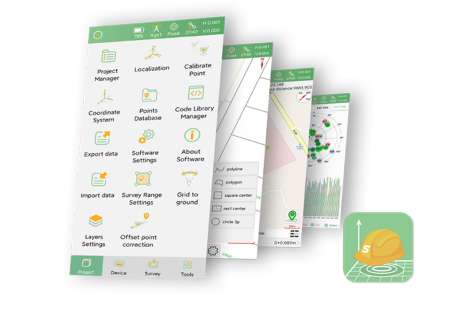
When creating a new surveying project, setting the correct coordinate system is a critical step. SingularPad comes with a wide range of pre-defined coordinate systems, covering many commonly used national and regional standards. In most cases, users can simply select the appropriate coordinate system from the built-in list (refer to our previous tutorial 6 Steps to Master RTK Surveying | Step 2 - New Project).
However, if your required coordinate system is not included—such as a customized projection, a local engineering system, or a less common national standard—you will need to manually import the coordinate parameters. In situations where only the coordinate system name is known, but the detailed parameters are unclear, an external reference tool becomes essential.
This is where EPSG.io becomes a practical and reliable reference tool.
EPSG.io is an online platform that allows users to search, identify, and review detailed information about spatial coordinate reference systems, including geographic coordinate systems, projected coordinate systems, and datums. Each system is associated with a standardized EPSG code and can be viewed or exported in commonly used formats such as WKT, PROJ, and JSON, making it especially useful for surveying and GIS workflows.
Below is a simple example showing how to retrieve coordinate reference information for NAD83 with a Lambert Conformal Conic projection (two standard parallels).
Step 1: Access EPSG.io
Open your browser and go to:
https://epsg.io/

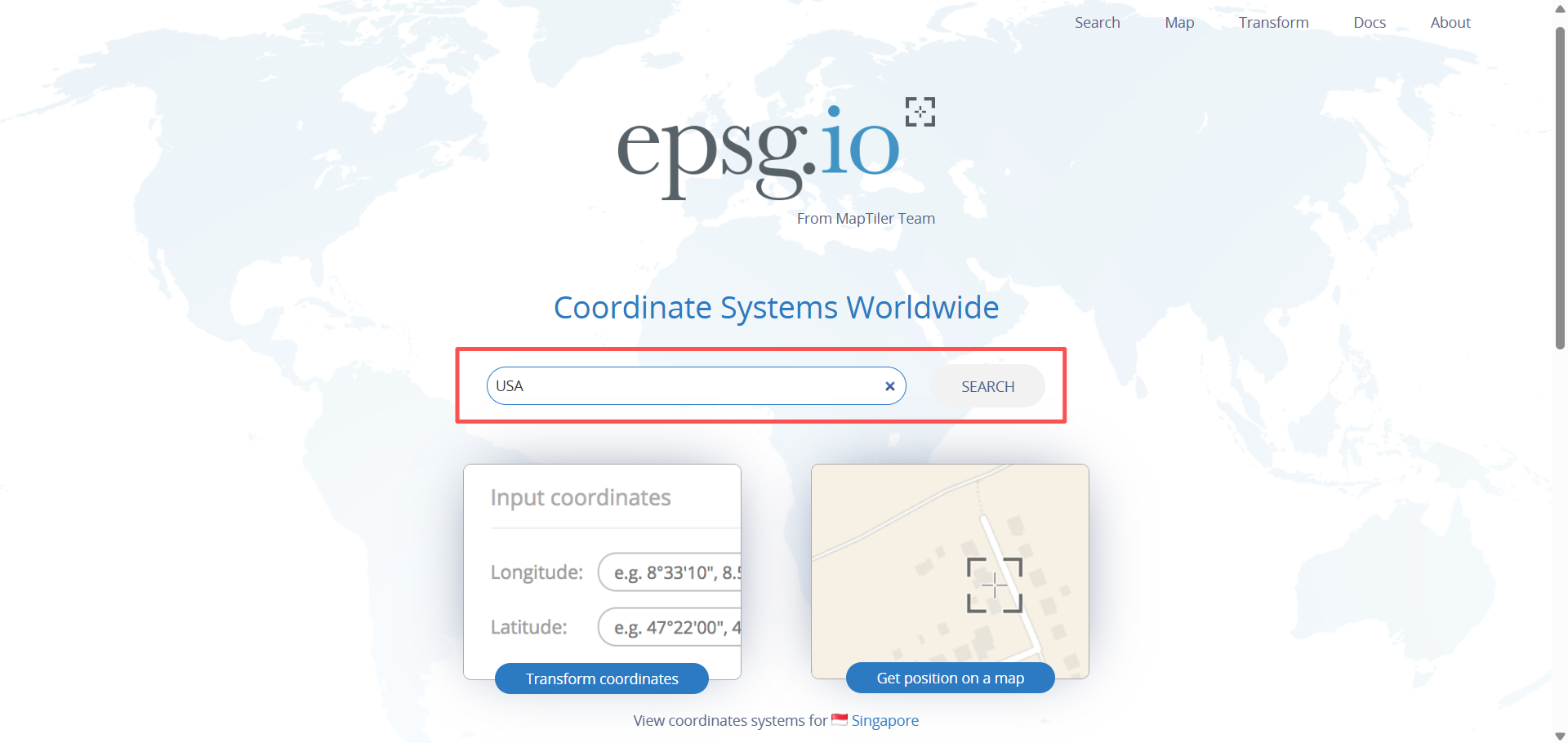
Step 2: Search for the Coordinate System
In the search bar, enter a country name, EPSG code, or coordinate system name.
For example, type NAD83 Lambert and click Search.
Step 3: Select the Appropriate Entry
From the search results, select: NAD 1983 / Lambert Conformal Conic (Contiguous USA)

On this page, you can review:
The geographic coverage and applicable region
The datum and projection method
The coordinate axis definition and units

Step 4: View and Copy Coordinate Parameters
Scroll down to the Spatial Reference section. EPSG.io provides multiple standardized formats, including:
OGC WKT / WKT2

ESRI WKT
PROJ.4
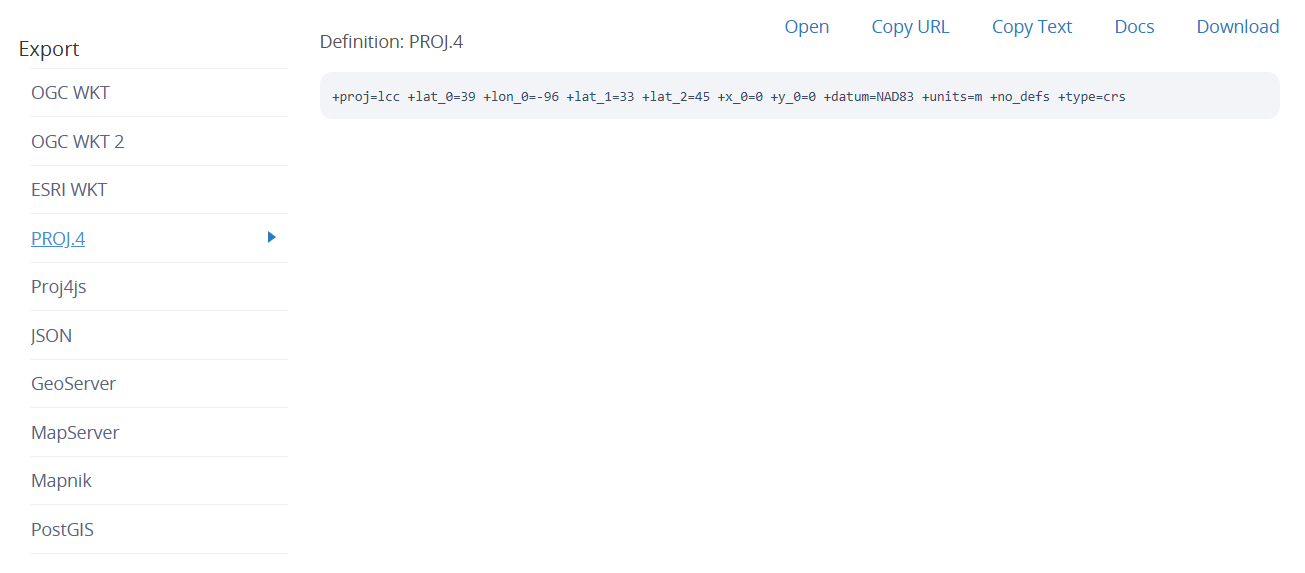
JSON
You can copy the format that best matches the requirements of your software or workflow.
Once you have obtained the correct coordinate reference parameters, the next step is to import them into SingularPad for project use.
In the next blog post, we will walk through the coordinate system import process step by step.
Keywords
Related products